 |
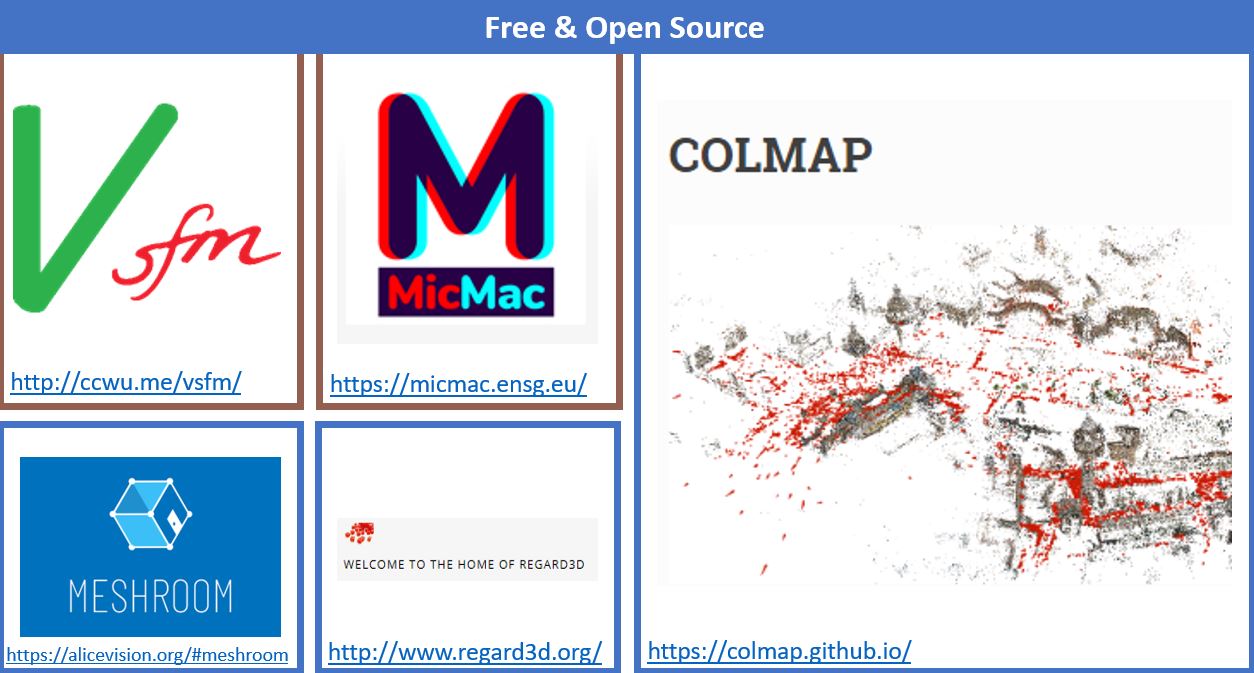
SfM software comes in many shapes and sizes with both commercial and open source solutions. Below you see some of the most used free and open source Structure from Motion software that can be a good starting point for novice users working with both aerial and close-range datasets, however, they can have a steeper learning curve than some of the commercial applications. You should also note that the SfM landscape is constant change. Software developed in the early days of SfM have been discontinued or deprecated, have changed names or simply have been surpassed by newer software solutions. For example, Microsoft Live Labs, back in 2006 developed the app and service called Photosynth (formally released in 2008) that made use of pattern recognition to stitch images together, extract points in space, and ultimately generate a 3D model of the photographed scene. Photosynth, which has been discontinued, was a 3D web service that allowed the remote 3D reconstruction of scenes without requiring advance photogrammetric skills. Similar services, such as
ARC 3D Webservice or Autodesk's 123D Catch (discontinued) were developed in the following years. Although such software/web services enabled users with no skills to develop 3D models based on digital photographs, they also worked as black boxes, since users did not have much control over the process when the photos were sent to the company's/service's servers for reconstruction.
 |
|
Ariel Photogrammetry (click to enlarge the figure)
|
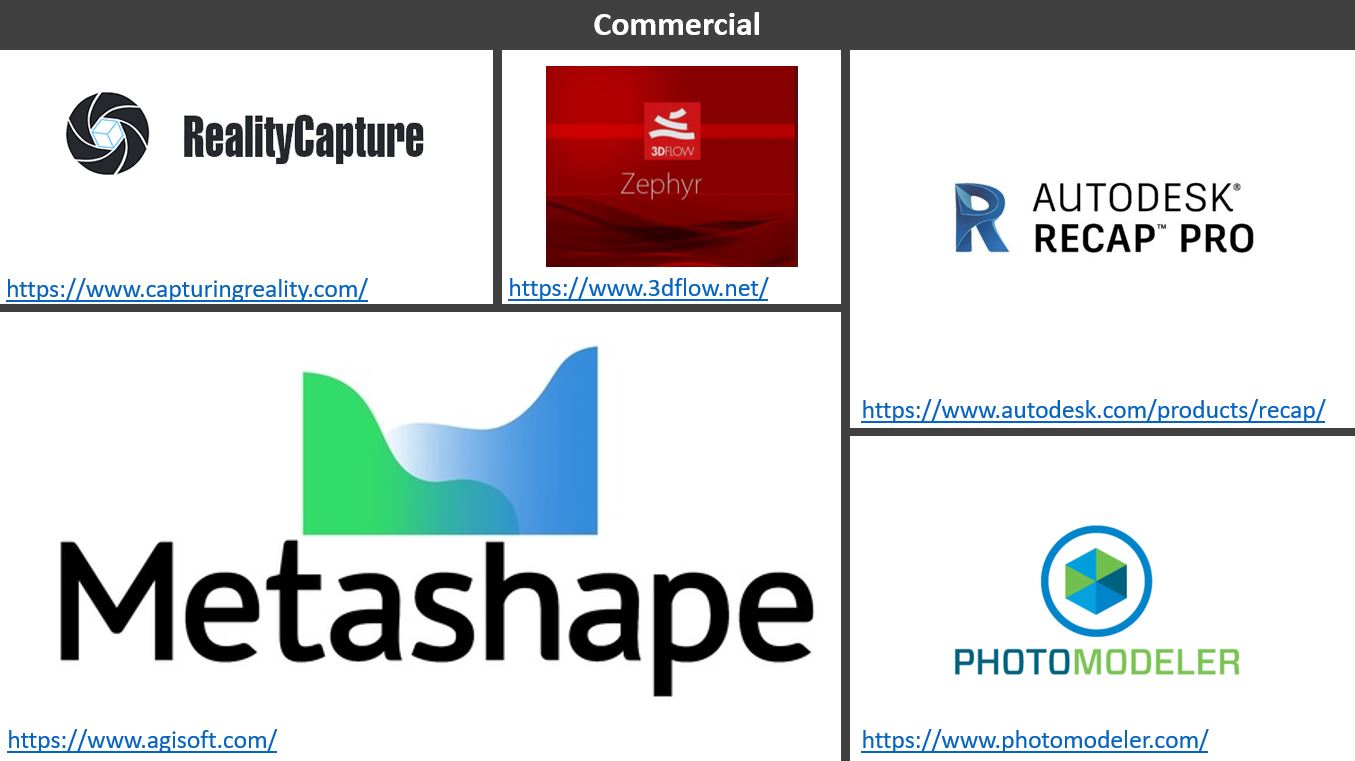
Commercial applications, on the other hand, often provide more advanced tools for processing, however, they require purchasing a license. Autodesk Recap can be downloaded for free by students and educators via the Autodesk Education Community. Metashape also provides discounts for educational use, starting at $59 for the standard version. Reality Capture on the other hand, also offers educational discounts on request, and also recently introduced a Pay-Per-Input licensing, offering the software for free and charging only for the exported final models based on their resolution. Both Photomodeler and Zephyr 3D also provide discounts for educational use. Many Sfm software, including Metashape, have also started moving to cloud services (in addition to the desktop applications), which can be a powerful solution for users who do not have adequate computational resources.
For this Unit we will work with the commercial software Agisoft Metashape (previously known as Agisoft Photoscan). Metashape is considered the standard software for SfM in cultural heritage and archaeology applications, while it has also been used in Art and design, biology, ecology, forensics, geology, as well as topography and mapping. Processing is based on a user-friendly interface the various tools and features do not have a steep learning curve.
 |
|
Ariel Photogrammetry (click to enlarge the figure)
|
Before starting, it is worth highlighting that Metashape is a desktop solution (although a beta cloud version has been recently introduced). This means that all processing takes place on your desktop based on the computational power you have. Although this is positive for security and privacy reasons and due to the fact that you have full control of the processing parameters, at the same time the processing time and quality of the final model entirely depends on the power of your machine. More specifically, there are memory requirements that you should have in mind when working with Metashape. Different processing stages require higher or lower amounts of memory depending on the number of images you are processing and their resolution. For example, in the initial stage, called alignment, where the software tries to identify common points among the photographs, 200 photos of 12MPX each would consume 1GB of memory. On the other hand, in the next processing stage, where the software refines the alignments and builds the model, much higher memory is required. In this case, this also depends on the selected quality of the final model. For example, a high quality model consisting of 200 images of 12MPX each, may consume between 24GB and 72GB RAM (
You can find more information here).
Downloading and Installing Agisoft Metashape
In the following pages you are going to be guided in processing an SfM dataset using Metashape. But first you should download and install the software:
- Download the latest version of the Professional Edition of the software based on your operating system (Windows x64 or x32, Mac OS, Linux)
- The Professional Edition of the software provides a free 30day trial. You can activate it the first time you open the software.
- If you want to buy the software, there are educational discounts for students and instructors. The educational license for the Professional Edition costs $549 and the Standard Edition costs $59. To see a comparison between the two versions check here.
Depending on your SfM needs you may have to upgrade the processing power of your computer (CPU, GPU, RAM) or explore the possibility of setting up a rendering farm for network processing. In other words, to connect multiple processing nodes (computers) that will all work simultaneously on the same task. This requires a professional license for each processing node. In addition, Metashape is currently trialing cloud processing and can be used for free. This minimises the computational resources required to do the most intensive processing. To find out more visit:
Agisoft - How to Use Agisoft Cloud for Processing
Further Readings/Additional Resources
Readings
- Nikolov I. and Madsen C. (2016) Benchmarking Close-range Structure from Motion 3D Reconstruction Software Under Varying Capturing Conditions. In: Ioannides M. et al. (eds) Digital Heritage. Progress in Cultural Heritage: Documentation, Preservation, and Protection. EuroMed 2016. Lecture Notes in Computer Science, vol 10058. Springer, Cham. https://www.researchgate.net/publication/310445661_Benchmarking_Close-range_Structure_from_Motion_3D_Reconstruction_Software_Under_Varying_Capturing_Conditions
- Rahaman, H., and Champion, E. (2019). To 3D or Not 3D: Choosing a Photogrammetry Workflow for Cultural Heritage Groups. Heritage, 2(3), 1835-1851. https://www.mdpi.com/2571-9408/2/3/112/pdf
- von Ubel, M. (2019). 2019 Best Photogrammetry Software. https://all3dp.com/1/best-photogrammetry-software/
Free and Open Source SfM Software
Commercial/Proprietary SfM Software
Agisoft Metashape

